Important: Before using the software, carefully read this tutorial.
The tool simulates manual behavior and allows users to observe the full working process.
System Requirements
Suitable for Windows XP / 7 / 8 / 10 / 11.
Windows 7 or above is recommended.
Some antivirus software may block automation tools. Please add the software to trusted programs if necessary.
Some antivirus software may block automation tools. Please add the software to trusted programs if necessary.
Program Structure
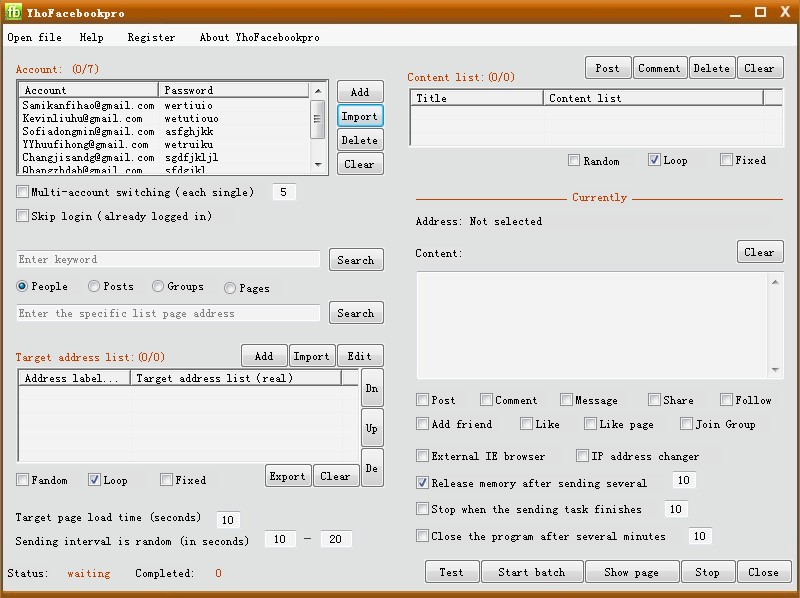
The software is divided into four main areas:
- Account Area
- Target Address Area
- Content Area
- Current Sending Area
1. Import Facebook Accounts
Edit accounts in a TXT file format:
username password
username--password
You can enable automatic account switching based on number of requests sent.
username password
username--password
You can enable automatic account switching based on number of requests sent.
2. Collect Target Addresses
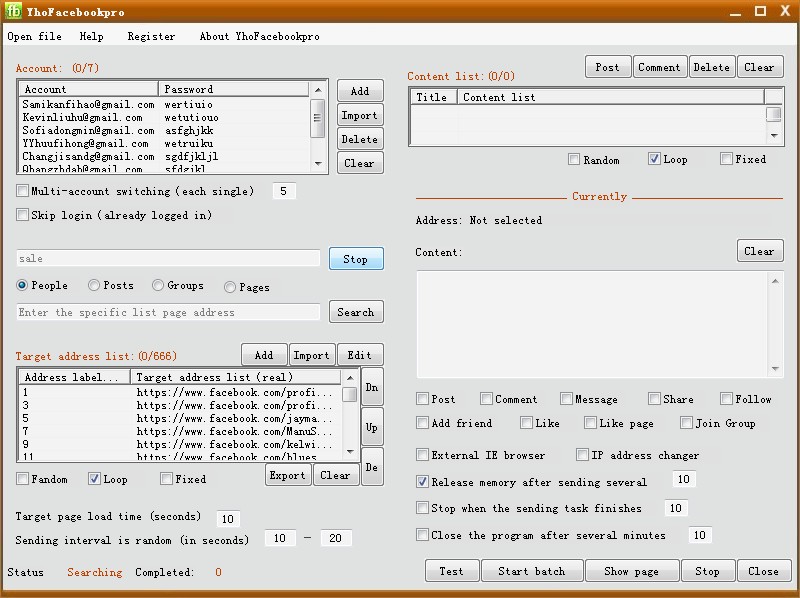
You can collect targets by:
- Keyword search
- Specified list addresses
3. Add Sending Content
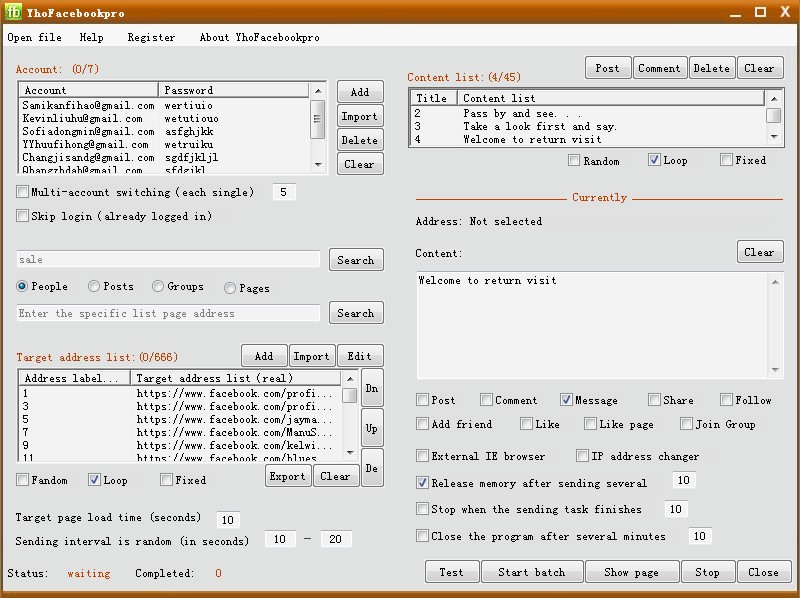
Single content can be edited directly.
For batch import:
For batch import:
- Long content → one TXT per post
- Short content → one line per message
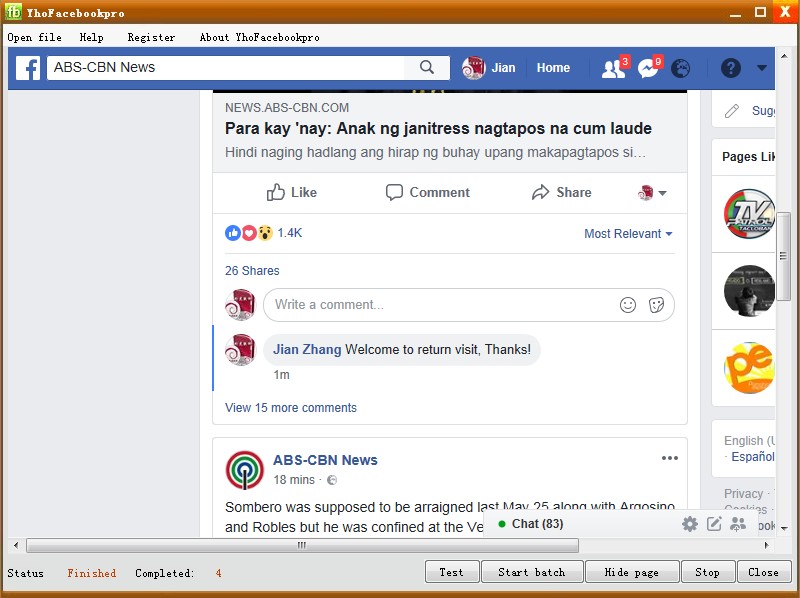
How the Process Works
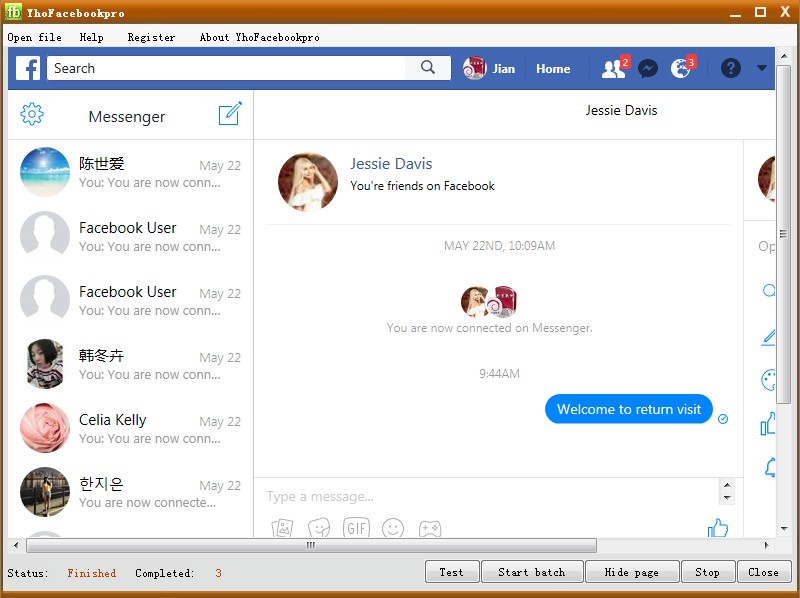
1. Login with account
2. Enter target page
3. Send request
4. Check success based on page response
Adjust interval timing to avoid sending too frequently.
2. Enter target page
3. Send request
4. Check success based on page response
Adjust interval timing to avoid sending too frequently.
Software Settings Explained
a. Multi-account switching
b. Skip login option
c. Random interval timing
d. Random / Loop / Fixed modes
e. External browser mode
f. Auto memory cleaning
g. Total request limit
h. Runtime limit
i. IP changer support
j. Current sending area display
b. Skip login option
c. Random interval timing
d. Random / Loop / Fixed modes
e. External browser mode
f. Auto memory cleaning
g. Total request limit
h. Runtime limit
i. IP changer support
j. Current sending area display